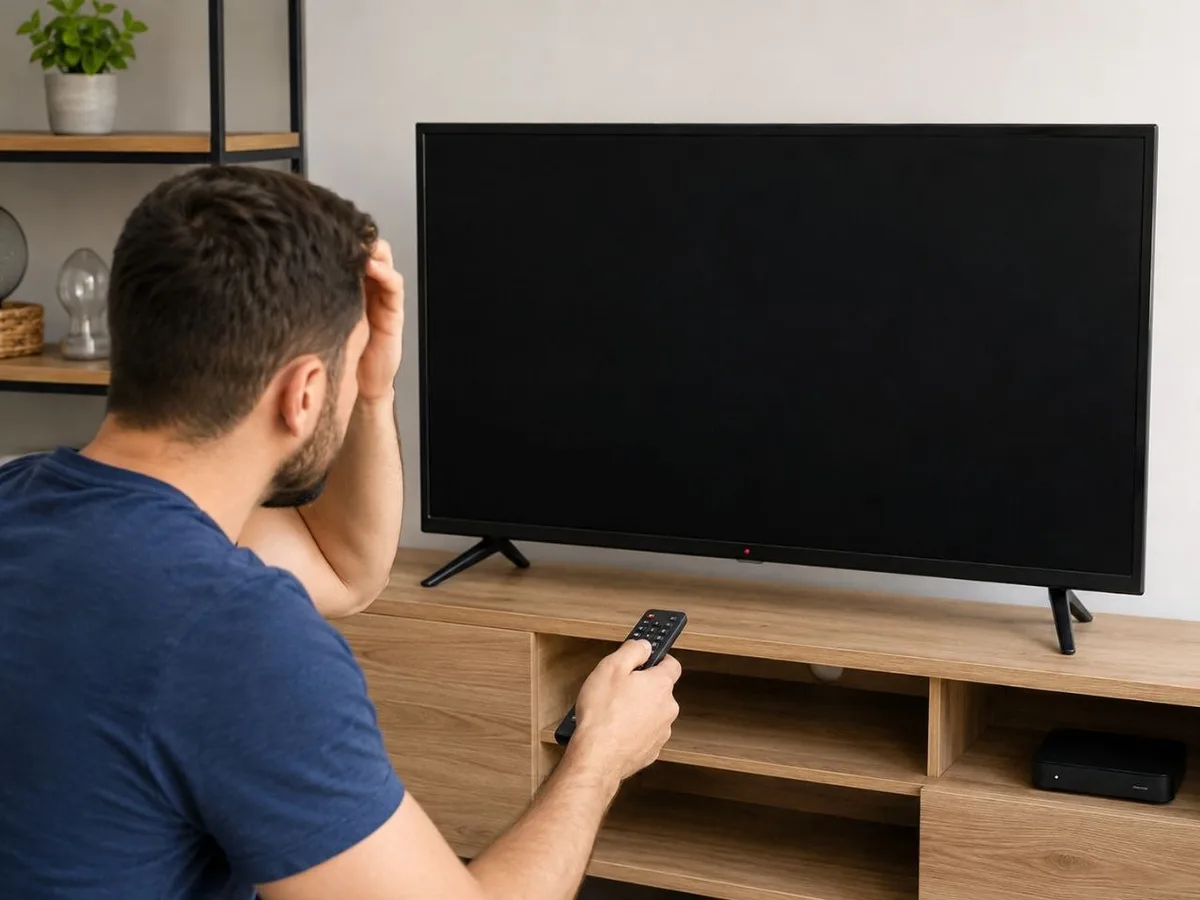
What should you do if your TV won't turn on? You're sitting comfortably at home, press the power button on your remote, but your TV doesn't respond at all. It's a situation many people have experienced. A significant number of the TV repair requests we receive begin with the same complaint: "My TV won't turn on." The good news is that this doesn't always mean there's a serious fault. Sometimes the cause is something simple that you can identify in just a few minutes. First, check the power connection. As obvious as it may sound, the issue could be with the wall outlet, extension cord, or power cable. If possible, plug the TV into a different outlet. If other electrical appliances in your home also aren't working, the problem is likely with the power supply rather than the TV itself. Next, check the remote control. In many cases, users assume the TV is faulty when the real issue is simply dead batteries. Replace the batteries and try turning the TV on using the physical power button on the TV. If it turns on this way, the problem is with the remote. If the red standby indicator on the front of the TV is lit but the TV still won't turn on, the situation is a little different. This indicates that the TV is receiving power. In such cases, the problem may be related to the software, the main board, or the power supply board. This is especially common with Smart TVs, where the operating system may freeze. Unplug the TV from the power outlet, wait 3–5 minutes, then plug it back in and try again. Sometimes a simple restart is enough to fix the issue. Many users don't realize that devices connected via HDMI can also prevent the TV from starting properly. Disconnect your TV Box, game console, satellite receiver, and any other connected devices, then try turning the TV on by itself. If the TV turns on but gets stuck on the manufacturer's logo, the issue is most likely related to the software or the internal memory. Problems like these usually require a software update or electronic repair and cannot be resolved at home. Power fluctuations are also one of the biggest enemies of modern televisions. Lightning strikes, sudden power outages, or voltage fluctuations can damage the power supply board or the main board. In such cases, the TV may not turn on at all, or it may turn on and immediately shut off. There's another important point to remember: if you notice a burning smell, hear crackling sounds coming from inside the TV, or it turns off immediately after powering on, don't keep trying to switch it on repeatedly. Doing so can make the problem worse and significantly increase the repair cost. In our experience, many of the most expensive TV repairs happen because users repeatedly try to turn the TV back on, hoping it will eventually work. A timely diagnosis helps protect your TV and prevents unnecessary repair expenses. If your TV still won't turn on after performing these basic checks, it's best to contact a professional TV repair technician. Through Ustamvar.az, you can request a reliable TV repair service. Our technicians diagnose the problem on-site, explain the cause of the fault, and provide a price estimate before any repair work begins.
Blog
What Should You Do If Your TV Won't Turn On?
Is your TV not turning on? The problem may be caused by the power supply, remote control, or an internal hardware fault. Learn the most common causes and when it's time to call a professional TV repair technician.