
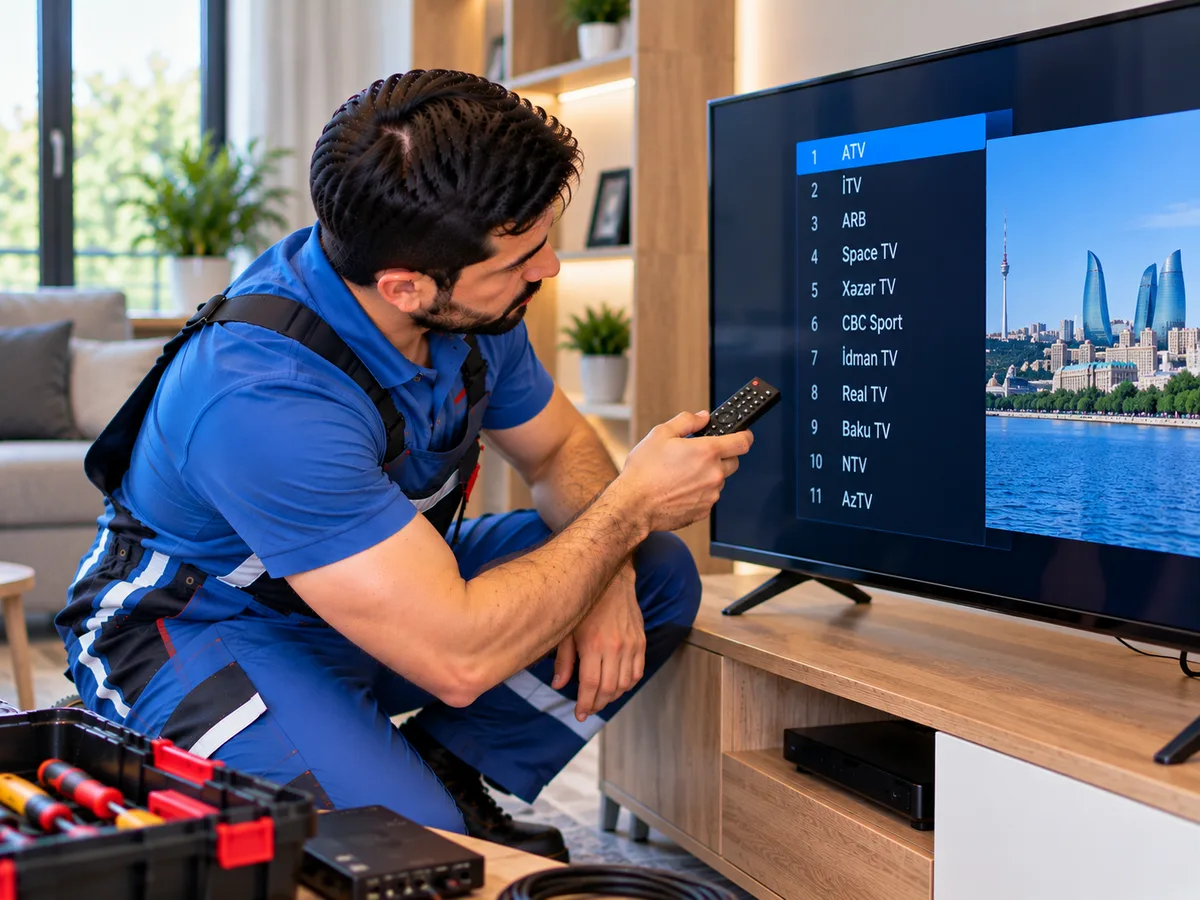
TV channels suddenly disappearing, an empty channel list, or only some channels being displayed can be caused by various issues. The problem may be related to the TV's channel settings, antenna or satellite signal, cable connection, frequency changes, or tuner system.
If the channels have disappeared, the first step is to determine which signal source the TV is using. Channel scanning settings may differ for terrestrial digital television, cable TV, and satellite antennas.
It is important to make sure that the correct input source is selected in the TV menu. If the TV has accidentally been switched to HDMI, AV, or another input, regular television channels may not appear on the screen.
Automatic channel scanning is one of the easiest ways to tune the channels again. Open the channel, broadcasting, or program settings section in the TV menu and select the automatic channel scan function.
Menu names may vary depending on the TV brand and model. On Samsung, LG, Sony, Philips, and other televisions, the names and locations of channel settings may be different.
During automatic scanning, it is important to select the correct broadcast type. If terrestrial digital broadcasting is received through an antenna, the appropriate digital broadcast option should be selected. If cable television is used, cable mode should be selected.
After the scan is complete, the TV saves the channels it has found. If the signal is normal, the available channels should appear in the channel list again.
If an automatic scan is performed but the TV does not find any channels, the antenna cable and signal level should be checked. Make sure that the cable is properly connected to the TV's antenna input.
A damaged cable, loose connector, oxidized contacts, or a fault in the antenna system may prevent the signal from reaching the television.
If the TV finds only some channels, a weak or unstable signal should also be considered. In this situation, channels on certain frequencies may be found while others are not added to the list.
When a satellite dish is used, channel tuning may require additional settings. The correct satellite, LNB settings, transponder frequencies, DiSEqC port, and other parameters must be selected.
If one of the satellite settings is incorrect, the television may fail to find all available channels or may not detect a signal at all.
A change in the direction of the satellite dish can also cause channels to disappear. Strong winds, physical movement of the dish, or an LNB problem may reduce signal strength and quality.
In this situation, simply scanning for channels again may not be enough. The satellite signal strength and quality should be checked first.
In some cases, previously saved channels may stop working after broadcast frequencies are changed. Performing an automatic or manual scan using the new frequencies can help find the available channels again.
Manual channel scanning is used when channels need to be added on a specific frequency. The correct frequency and other required parameters for the broadcasting system must be entered.
Resetting the TV to its factory settings can also erase the entire channel list. After a factory reset, the language, country, broadcast type, and channel scanning settings must be configured again.
Selecting the wrong country or region may affect channel scanning on some TV models. For this reason, it is important to select the correct broadcasting region during the initial setup.
If the television finds the channels but they disappear again after the TV is turned off and back on, the problem may not be limited to the antenna or signal. The TV's memory, software, or main board may also need to be checked.
A tuner fault can prevent the television from receiving a signal. If the antenna and cable system are working properly but the TV still cannot find any channels, the tuner may require diagnosis.
A tuner fault cannot be diagnosed based only on disappearing channels. The signal level, cable, antenna, settings, and other possible causes should be checked before diagnosing the electronic components.
Software errors in Smart TV models may also affect the channel list and settings. In some cases, restarting the television and configuring the channel settings again may resolve the problem.
If the channels have been saved in the wrong order, many televisions allow you to rearrange them through the channel editing menu, delete unnecessary channels, and create a list of favorite channels.
When tuning the channels again, keep in mind that the previous channel list may change or be completely erased. If you use a specific channel order, you may need to arrange the channels again after scanning.
If the user cannot perform a channel scan through the menu or the television does not find channels during scanning, a professional TV repair technician can check the antenna and satellite signals, cable connections, channel settings, and tuner system.
Professional diagnosis can help determine whether the problem is caused by the television settings, antenna system, satellite equipment, or electronic components.
After the settings and signal have been properly checked, the available television channels can be scanned again, saved to the TV's memory, and arranged according to the user's preferences.