
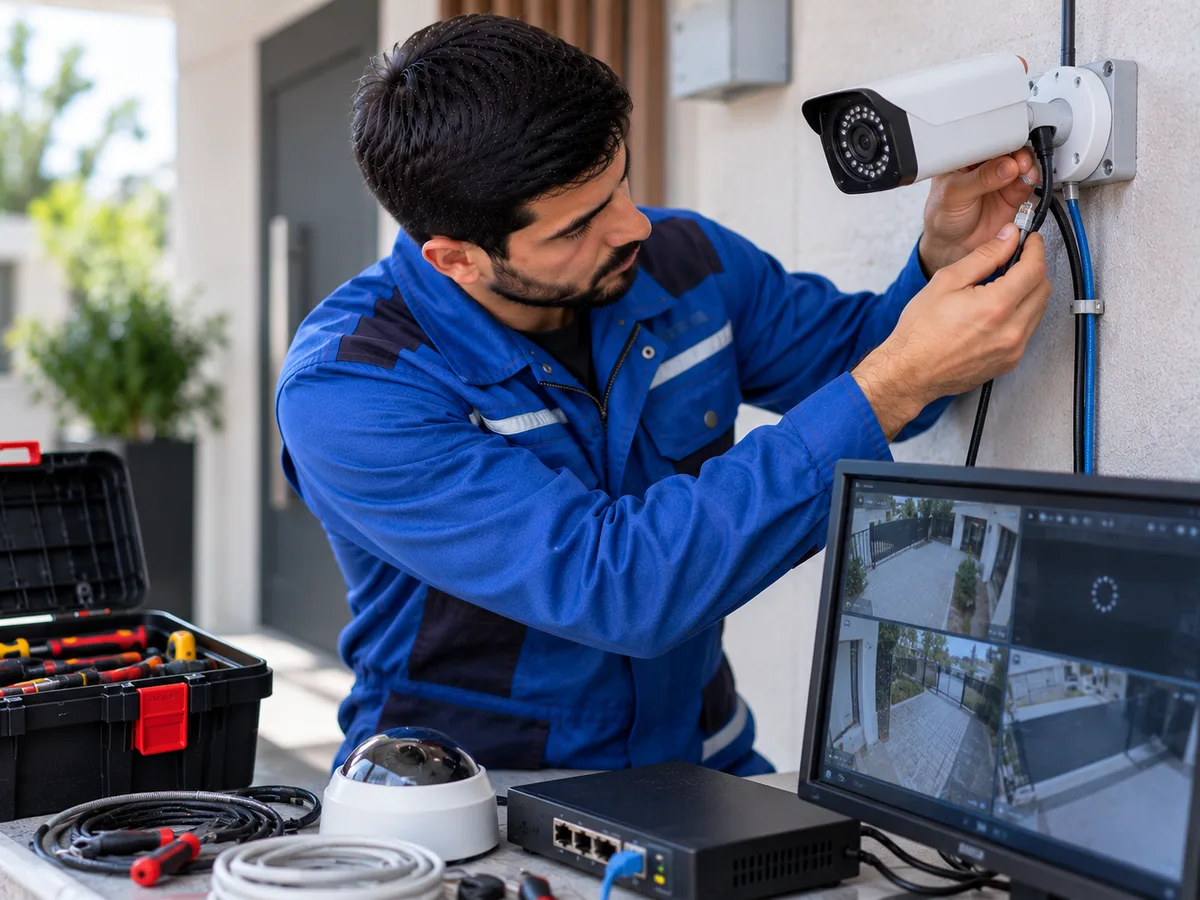
Freezing, lagging, or intermittent pauses in security camera footage are common problems in surveillance systems. The camera may continue to provide an image, but the video stream may stop at certain moments, frames may arrive with a delay, or the image may remain frozen for several seconds. This issue may be related to the network connection, cable, power supply, recording device, or the camera itself.
The first step is to check the condition of the internet connection and local network. If the cameras are viewed remotely through a phone or computer, a slow internet connection may cause video delays and freezing. This can become more noticeable when many devices use the same internet connection at the same time, increasing network load and reducing the stability of the camera stream.
Signal strength is especially important for cameras that operate over Wi-Fi. If the camera is located far from the router or if thick walls, metal structures, and other obstacles are located between them, the signal may become weaker. An unstable Wi-Fi connection can cause interruptions, frozen images, and temporary offline status.
Wi-Fi frequency congestion can also affect the stability of video transmission. When many routers and wireless devices operate in the same area, their channels may interfere with one another. This problem is especially common on 2.4 GHz networks and can cause the camera video stream to become unstable.
For IP cameras connected by cable, the condition of the Ethernet cable should be checked. A damaged, low-quality, or improperly crimped cable may cause network packet loss. As a result, the image may lag, freeze at certain moments, or disconnect completely.
Loose connections and oxidation in cable connectors can also make the network connection unstable. This is especially relevant for outdoor cameras, where moisture and temperature changes can affect RJ45 connectors. Poor contact can cause interruptions in video transmission.
In PoE camera systems, the same cable is used for both data transmission and power. If the PoE switch, NVR port, or cable does not provide stable and sufficient power, the camera may remain on while experiencing image freezes and connection interruptions. Exceeding the power capacity of a port may also cause this problem.
If the camera uses a separate power adapter, the adapter should also be checked. A weak or faulty adapter may provide unstable voltage to the camera. In this situation, the camera may continue operating without fully shutting down but may experience image freezing, restarts, and connection problems.
It is important to remember that network performance depends on more than just internet speed. If the router, switch, NVR, or other local network devices do not have enough data transfer capacity, high-quality camera streams can place a heavy load on the system.
Camera image quality and bitrate settings can also contribute to freezing. High resolution, a high frame rate, and a high bitrate require more data to be transmitted across the network. If the network or recording device cannot handle this load, the image may begin to lag or freeze.
If several cameras transmit high-quality video at the same time, the total bandwidth of the NVR or network switch may not be sufficient. In these cases, a single camera may work normally, but delays and freezing may appear when all cameras are active simultaneously.
Problems with NVR and DVR devices can also cause camera images to freeze. High processor load, memory issues, software errors, or excessive internal temperature may prevent the recording device from processing video streams properly.
The condition of the hard drive is particularly important when viewing recorded footage. A faulty or slow HDD can cause archive recordings to open slowly, images to freeze, and videos to play with interruptions. If live video works normally but archived recordings freeze, the problem may be related to the storage system.
If only one camera freezes, the issue may be related to that camera’s cable, port, power source, or the camera itself. If all cameras freeze at the same time, the main network, router, switch, NVR/DVR, or general power supply should be checked.
Camera overheating can also affect video stability. Cameras operating under direct sunlight, in enclosed areas with poor ventilation, or in high temperatures may experience reduced performance as electronic components overheat. This may result in frozen video and unexpected device restarts.
A software problem or unsuccessful firmware update may also cause an unstable video stream. Firmware should only be updated using software designed for the exact camera model. Installing incompatible firmware may cause additional malfunctions.
If the image freezes only when viewed through a mobile application, this does not always mean that the camera system itself is faulty. The phone’s internet connection, weak mobile network signal, application performance, or server connection can also cause delays. If the image is stable on a local monitor, the problem may be related to remote access.
As basic checks, the operation of the router and network devices, the condition of cables, Wi-Fi signal strength, power adapters, and camera temperature can be inspected. It is also possible to temporarily reduce the video quality to determine whether the problem is caused by excessive network load.
If the camera image continues to freeze and basic checks do not solve the problem, it is recommended to contact a professional camera technician. The technician can inspect the internet and local network, Wi-Fi signal, Ethernet cables, PoE system, power supply, NVR/DVR, video settings, and the camera itself to identify the exact cause of the freezing.